Model Context Protocol (MCP) + Puppeteer: Build AI-Driven Browser Automation
How to connect browser tools to AI agents using MCP and Puppeteer — goal-driven web automation that adapts dynamically, with working code and not pseudocode.
The Model Context Protocol (MCP) lets AI models call external tools — and when those tools control a real browser, you get something genuinely useful: an AI that can browse, click, extract, and navigate without a single hardcoded script.
Most MCP + Puppeteer examples online share a common flaw: they open and close a new browser for every tool call. At 200ms startup time per Chrome instance, a 10-tool agent workflow takes 2+ seconds just in browser overhead. The browser also leaks memory because hung pages never get cleaned up on errors.
This guide fixes that. It builds a persistent browser session that's shared across all tool calls, adds proper error handling and timeouts, and shows a real end-to-end example of an AI agent using these tools.
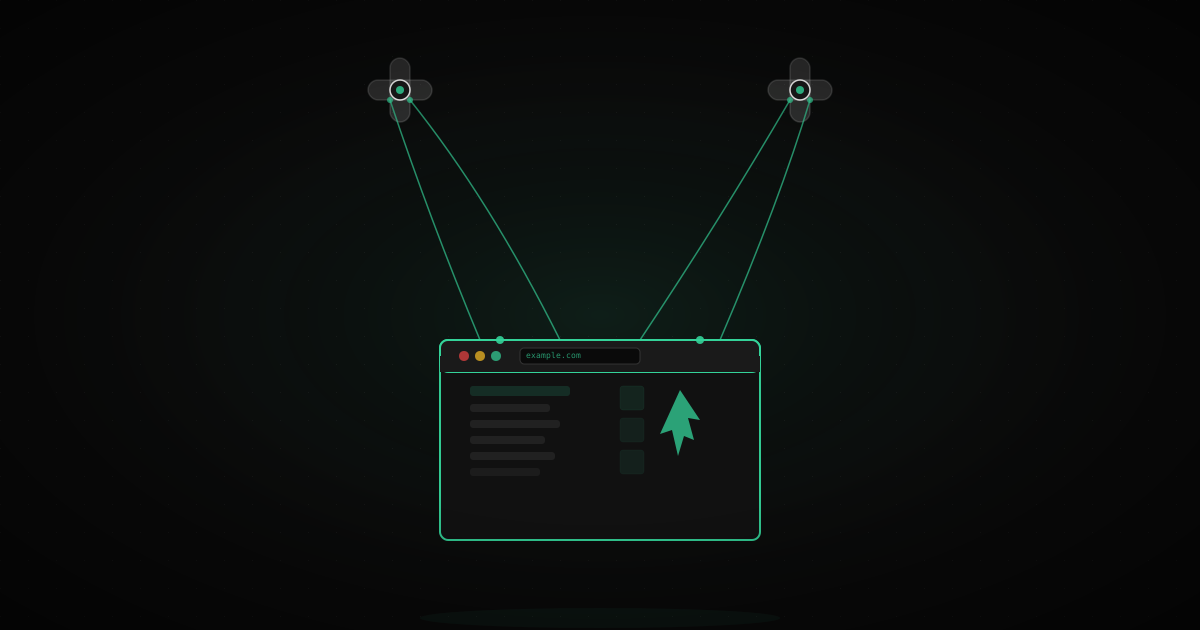
Your MCP server receives this, runs the corresponding function (navigating a Puppeteer browser), and returns the result. The AI reads the result and decides what to call next.
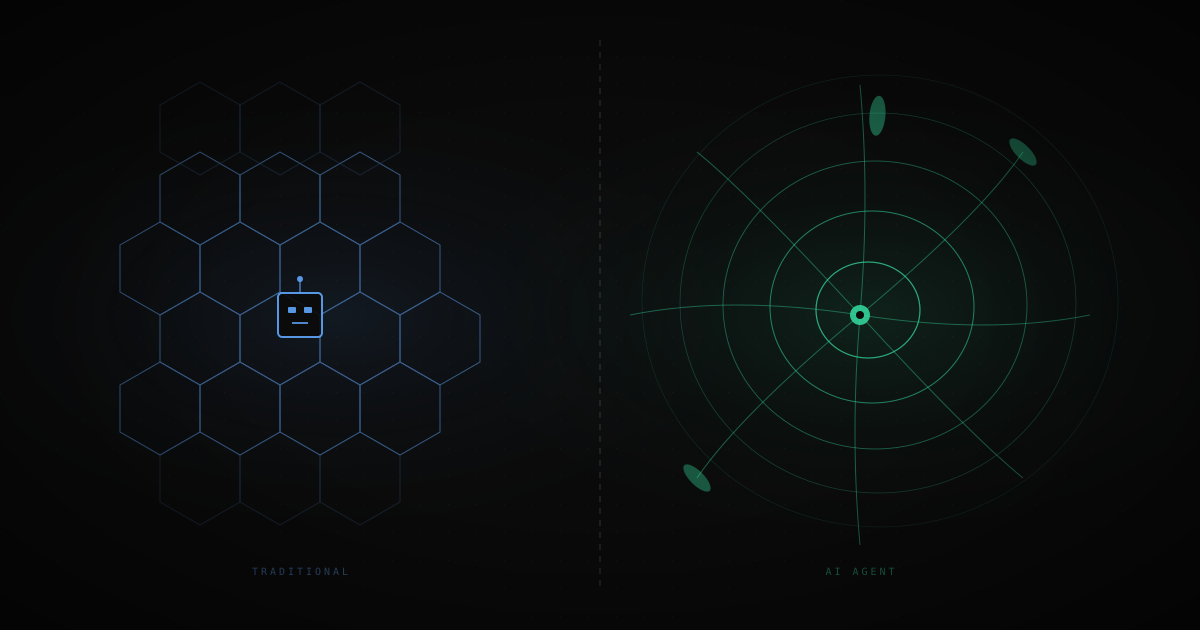
The key insight: the AI decides the sequence of tool calls at runtime. You don't hardcode "open page → click element → extract data." You define the tools, give the AI a goal, and it figures out the sequence.
Use puppeteer-extra with the stealth plugin — it patches the headless signals that most sites detect. Without it, many sites will serve CAPTCHAs before your AI agent has a chance to interact.
The critical design choice is a singleton browser with a persistent page pool:
The Browser Manager maintains one browser process and one active page. Tool calls share this session — cookies, auth state, and navigation history all persist between calls, exactly as they would in a real browsing session.
import{Server}from'@modelcontextprotocol/sdk/server/index.js';import{StdioServerTransport}from'@modelcontextprotocol/sdk/server/stdio.js';importpuppeteerfrom'puppeteer-extra';importStealthPluginfrom'puppeteer-extra-plugin-stealth';puppeteer.use(StealthPlugin());// Singleton browser manager — one browser, one page, shared across all tool callsclassBrowserManager{constructor(){this.browser=null;this.page=null;}asyncgetPage(){if(!this.browser||!this.browser.isConnected()){this.browser=await puppeteer.launch({headless:'new',args:['--no-sandbox','--disable-setuid-sandbox','--disable-blink-features=AutomationControlled','--window-size=1440,900',],defaultViewport:{width:1440,height:900},});this.page=awaitthis.browser.newPage();awaitthis.page.setUserAgent('Mozilla/5.0 (Macintosh; Intel Mac OS X 10_15_7) AppleWebKit/537.36 (KHTML, like Gecko) Chrome/120.0.0.0 Safari/537.36');}if(!this.page||this.page.isClosed()){this.page=awaitthis.browser.newPage();}returnthis.page;}asyncclose(){if(this.browser){awaitthis.browser.close();this.browser=null;this.page=null;}}}const browserManager =newBrowserManager();// Helper: run a page operation with timeout and error handlingasyncfunctionwithPage(fn, timeoutMs =30000){const page =await browserManager.getPage();const timer =setTimeout(async()=>{console.error('Page operation timed out');// Don't close the page — just let the operation fail}, timeoutMs);try{const result =awaitfn(page);clearTimeout(timer);return result;}catch(err){clearTimeout(timer);throw err;}}// Build the MCP serverconst server =newServer({name:'puppeteer-mcp',version:'1.0.0'},{capabilities:{tools:{}}});
Add these tool definitions before the server transport setup:
javascript
import{ z }from'zod';// Tool 1: Navigate to a URLserver.tool('navigate_to','Navigate the browser to a URL and wait for the page to load',{url: z.string().url().describe('The full URL to navigate to'),wait_until: z.enum(['domcontentloaded','networkidle0','networkidle2']).optional().default('domcontentloaded'),},async({ url, wait_until })=>{returnawaitwithPage(async(page)=>{await page.goto(url,{waitUntil: wait_until,timeout:30000});const title =await page.title();const currentUrl = page.url();return{content:[{type:'text',text:`Navigated to: ${currentUrl}\nPage title: ${title}`}],};});});// Tool 2: Get page text contentserver.tool('get_page_text','Extract the text content of the current page, cleaned of scripts and styles',{},async()=>{returnawaitwithPage(async(page)=>{const text =await page.evaluate(()=>{// Remove scripts, styles, nav, footer before extracting['script','style','nav','footer','header'].forEach(tag=>{document.querySelectorAll(tag).forEach(el=> el.remove());});returndocument.body?.innerText?.trim()??'';});// Truncate at 8000 chars to stay within context limitsconst truncated = text.length>8000? text.slice(0,8000)+'\n\n[...content truncated at 8000 chars]': text;return{content:[{type:'text',text: truncated }],};});});// Tool 3: Wait for an elementserver.tool('wait_for_element','Wait for a CSS selector to appear on the page (useful for dynamic content)',{selector: z.string().describe('CSS selector to wait for'),timeout_ms: z.number().min(100).max(30000).optional().default(10000),},async({ selector, timeout_ms })=>{returnawaitwithPage(async(page)=>{try{await page.waitForSelector(selector,{timeout: timeout_ms });return{content:[{type:'text',text:`Element "${selector}" found on page`}],};}catch{return{content:[{type:'text',text:`Timeout: "${selector}" did not appear within ${timeout_ms}ms`}],};}});});// Tool 4: Click an elementserver.tool('click_element','Click on the first element matching a CSS selector',{selector: z.string().describe('CSS selector of the element to click'),},async({ selector })=>{returnawaitwithPage(async(page)=>{const element =await page.$(selector);if(!element){return{content:[{type:'text',text:`No element found matching "${selector}"`}],};}await element.click();await page.waitForTimeout(500);// Brief pause after click for page to reactreturn{content:[{type:'text',text:`Clicked element: ${selector}`}],};});});// Tool 5: Type into an inputserver.tool('type_into','Type text into an input field matching a CSS selector',{selector: z.string().describe('CSS selector of the input field'),text: z.string().describe('Text to type'),clear_first: z.boolean().optional().default(true),},async({ selector, text, clear_first })=>{returnawaitwithPage(async(page)=>{const element =await page.$(selector);if(!element){return{content:[{type:'text',text:`No input found matching "${selector}"`}],};}if(clear_first){await element.click({clickCount:3});// Select allawait page.keyboard.press('Backspace');}await element.type(text,{delay:50});// 50ms between keystrokes feels humanreturn{content:[{type:'text',text:`Typed "${text}" into ${selector}`}],};});});// Tool 6: Take a screenshotserver.tool('screenshot','Take a screenshot of the current page and return it as base64',{full_page: z.boolean().optional().default(false),},async({ full_page })=>{returnawaitwithPage(async(page)=>{const buffer =await page.screenshot({type:'jpeg',quality:60,fullPage: full_page,});return{content:[{type:'image',data: buffer.toString('base64'),mimeType:'image/jpeg',}],};});});// Tool 7: Extract structured data via CSS selectorserver.tool('extract_elements','Extract text from all elements matching a CSS selector',{selector: z.string().describe('CSS selector to match multiple elements'),attribute: z.string().optional().describe('HTML attribute to extract (default: text content)'),limit: z.number().min(1).max(500).optional().default(100),},async({ selector, attribute, limit })=>{returnawaitwithPage(async(page)=>{const items =await page.evaluate((sel, attr, lim)=>{const elements =Array.from(document.querySelectorAll(sel)).slice(0, lim);return elements.map(el=> attr ? el.getAttribute(attr): el.textContent?.trim()??'');}, selector, attribute, limit);return{content:[{type:'text',text:JSON.stringify(items,null,2),}],};});});
// Graceful shutdownprocess.on('SIGINT',async()=>{await browserManager.close(); process.exit(0);});process.on('SIGTERM',async()=>{await browserManager.close(); process.exit(0);});// Start the MCP server over stdioconst transport =newStdioServerTransport();await server.connect(transport);console.error('Puppeteer MCP server running');// stderr so it doesn't pollute stdout protocol
Because we use a singleton browser, the session persists across tool calls within a conversation. This is intentional — the AI can log in to a site in one call and access authenticated content in subsequent calls.
The downside: if the browser gets into a bad state (stuck loading page, CAPTCHA), subsequent tool calls will also fail. Add a reset tool for recovery:
javascript
server.tool('reset_browser','Close and reopen the browser, clearing all session state',{},async()=>{await browserManager.close();return{content:[{type:'text',text:'Browser reset. All sessions and cookies cleared.'}],};});
Each tool call consumes tokens: the tool definition (sent on every call), the arguments, and the result. For a 10-step browsing task:
Tool definitions: ~2,000 tokens (constant overhead per call)
Arguments: ~50–200 tokens per call
Results: 500–8,000 tokens per call (depending on page content)
A moderately complex browsing task (10 tool calls with text-heavy pages) can easily consume 50,000–100,000 tokens. At current Claude Sonnet pricing, that's $0.15–0.30 per task. At scale, this adds up — factor it into your cost model before building agent workflows that run thousands of times per day.
wait_for_navigation — for form submissions that redirect
get_cookies / set_cookies — for session management between conversations
evaluate_js — for arbitrary JS execution when you need more than the predefined tools
The pattern is always the same: define a small, composable tool that does one thing. Let the AI compose them into workflows. Don't try to build "smart" tools that encode too much logic — that defeats the purpose of goal-driven automation.